Closed shapes and readable outlines make digital fill and pencil tools feel natural.
IPAD · APPLE PENCIL · PIXELS
Digital coloring pages for iPad.
Download a clean line-art page and color it with a finger or Apple Pencil. Kelvumi pages also work with compatible Android and Fire drawing apps, or can be printed when you want paper.
Create a digital page →See the cost before you create · Private by default · Downloadable result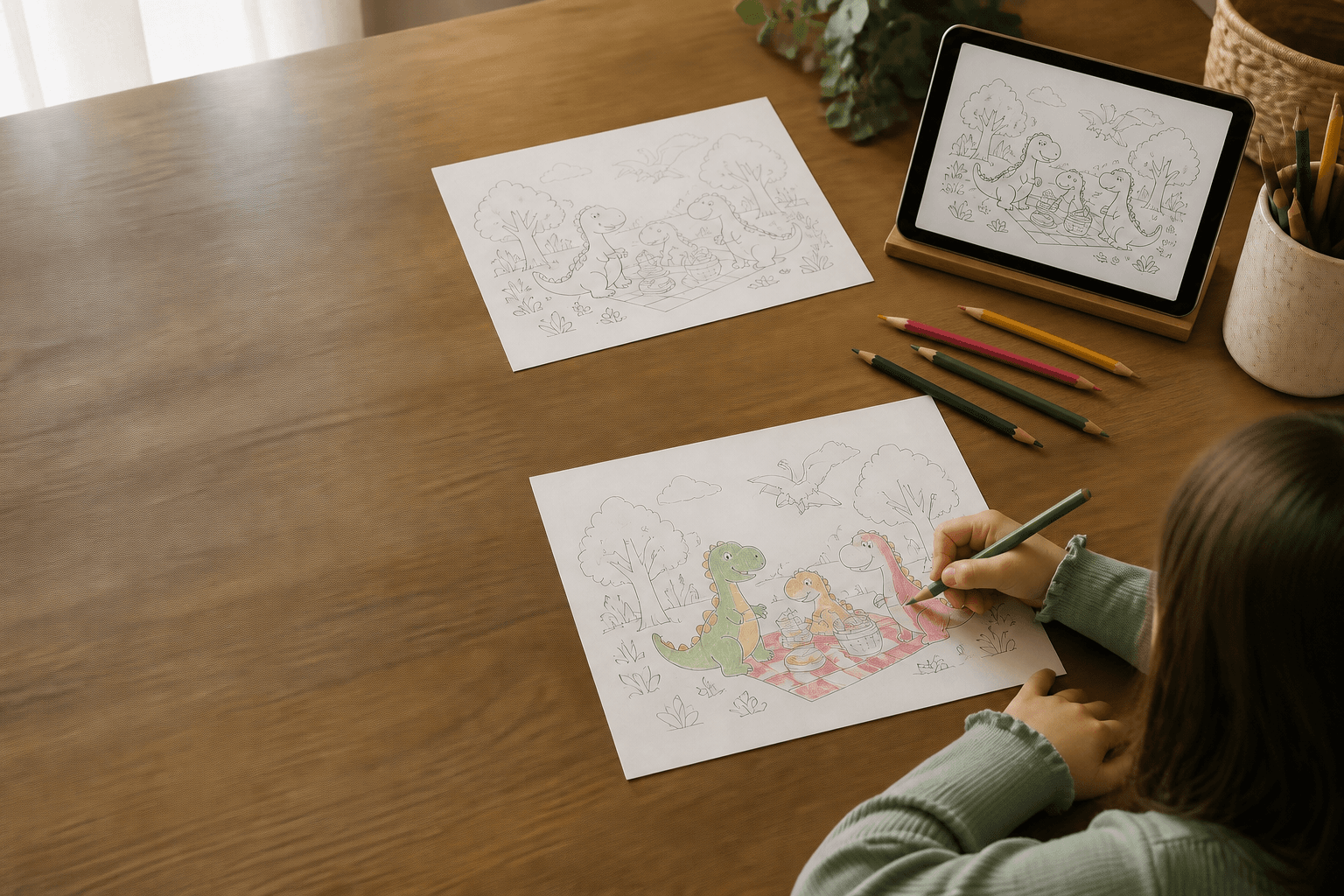
A finished thing they can actually keep.
Import the downloaded image or PDF into Markup or a compatible drawing app.
The same creative keepsake can be printed at home or colored on screen.
See the format and cost before creating, with failed generations releasing credits.
From first idea to something real.
Pick a subject
Describe the page, a favorite animal or a photo you own.
Download the clean file
Receive the uncolored page with no watermark or hidden visual overlay.
Color on iPad
Open it in Markup or your preferred drawing app and save the finished version.
Before you begin.
Does it work with Apple Pencil?
Yes. Downloaded images and PDFs can be opened in iPad Markup or a compatible drawing app.
Can I use Android or Fire tablets?
Yes, with a compatible drawing or annotation app that supports the downloaded format.
Can I still print it?
Yes. The page is designed for both digital coloring and ordinary home printing.